
Which tool should you use for an online random draw?
To organize a random draw with online participants, Boom Boom Shot lets you create an event, share a QR code, collect registrations, and randomly select one or more winners.
Unlike tools that simply pick a name from a list, Boom Boom Shot is designed for events, associations, businesses, and live giveaways.
Core features
Your sweepstake in a few clicks
Create a sweepstake in a few clicks. Customize its appearance, choose how each draw starts, add prizes and set the number of winners.

Easy access for your participants
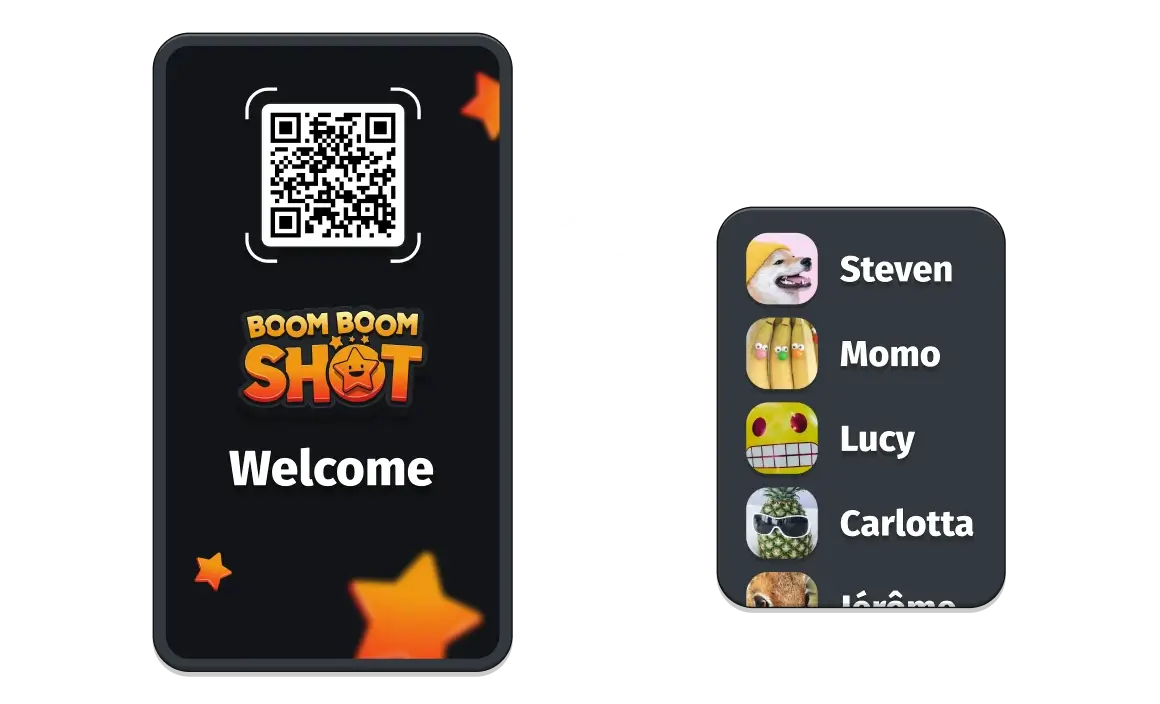
Each sweepstake that you create has a unique QR code. Simply share this with your audience, get them to scan it and sign up to your sweepstake. 1, 2, 3 and they are in! We made sure to allow participants to sign up via Facebook, Google or their preferred email.
Real-time experience for everyone
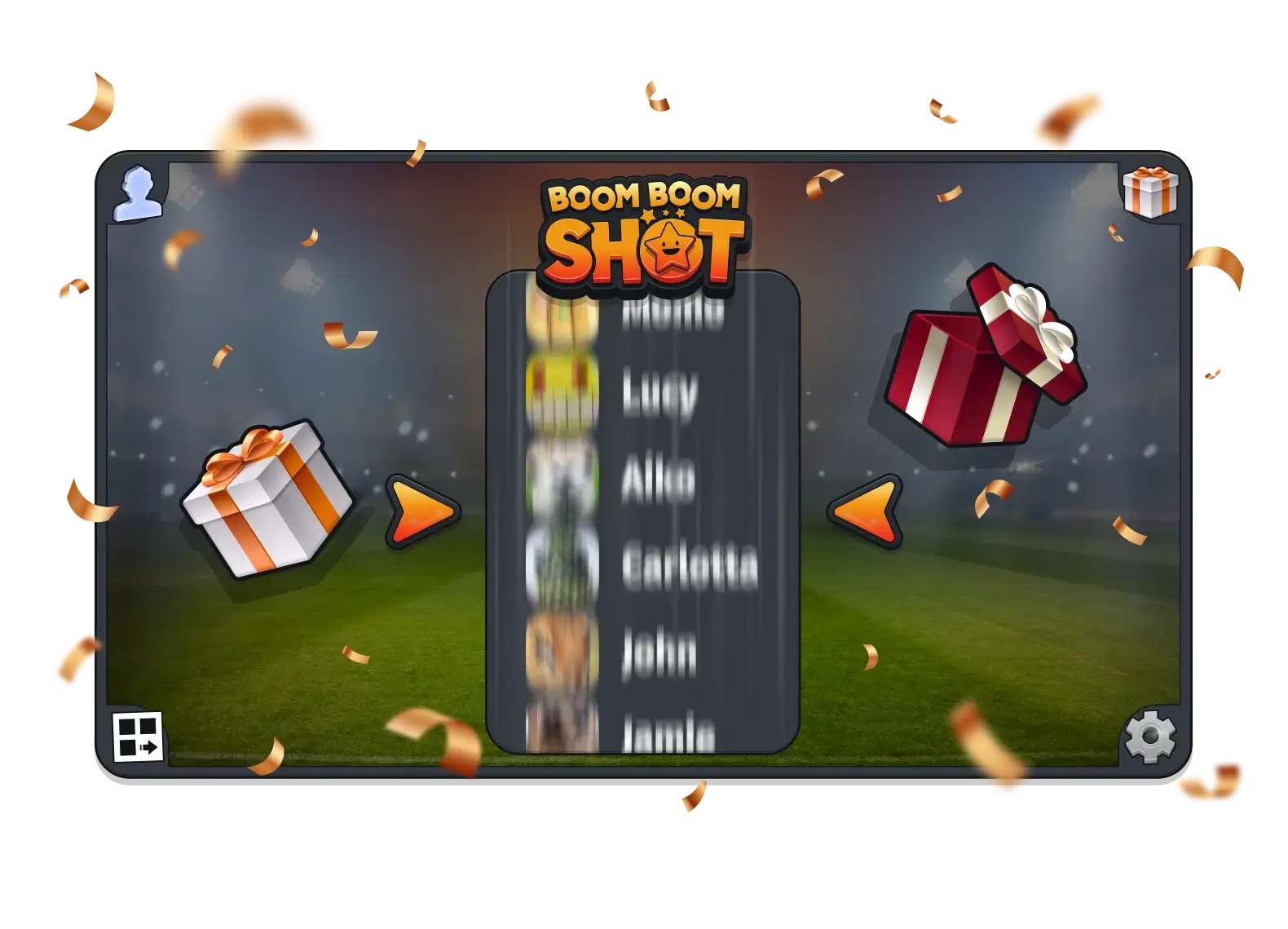
Participants can follow the draw in real time on their own devices. Display Boom Boom Shot on a large screen, or let everyone watch on their phone.

Export participant information
Download the list of participants to a CSV file for your event follow-up.

How to set up your first sweepstake
Step 1
Create an account and set up your sweepstake by customising its look and feel and defining how you want it to run.
Step 2
Share the QR code with everyone that you want to join your sweepstake (print it out, share it from a screen or share it virtually).
Step 3
Your participants join the sweepstake by creating an account. After that, just have fun. Manage the sweepstake from a phone, tablet or computer on stage or while walking around your event.