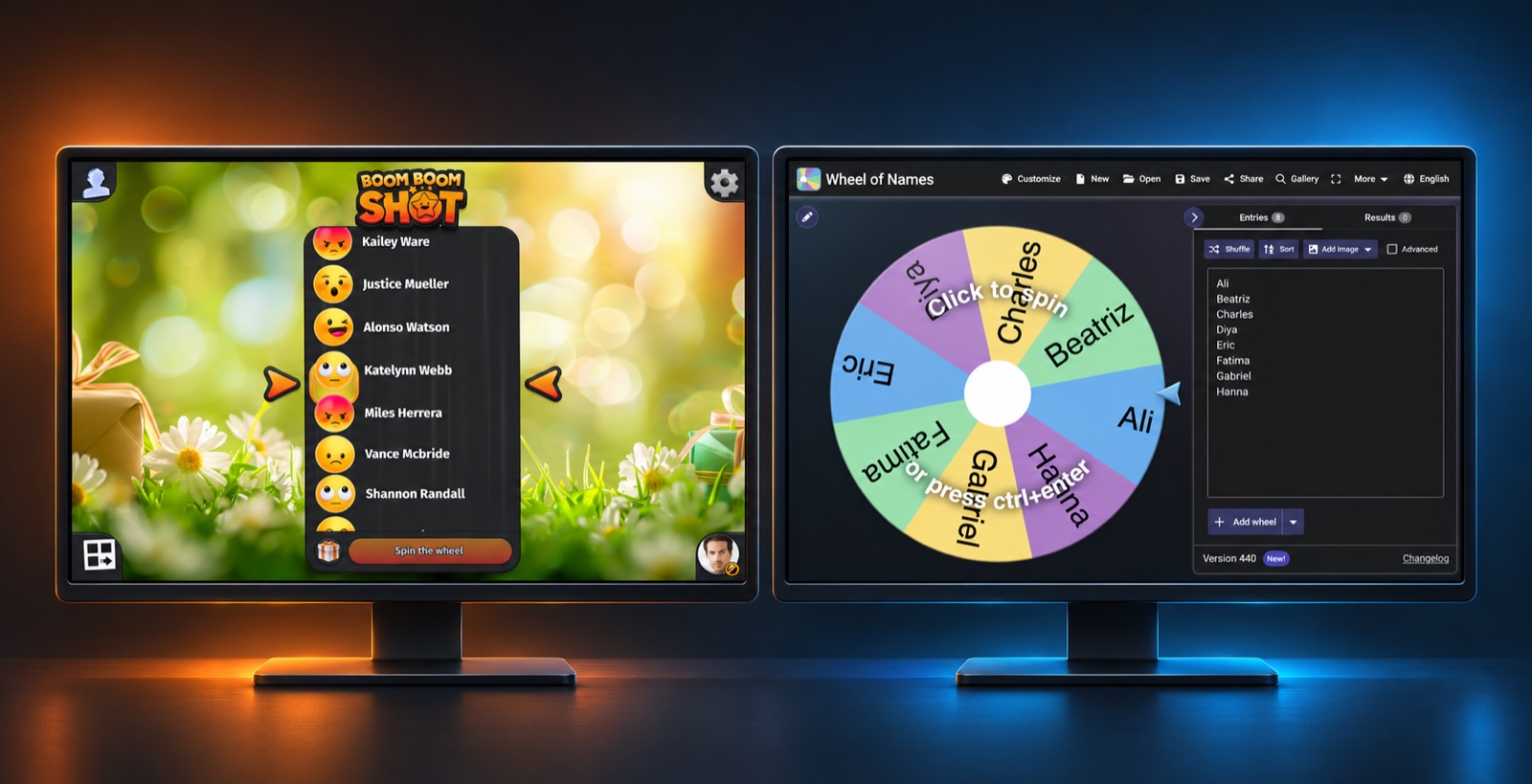
Looking for a Wheel of Names alternative for an event? Wheel of Names makes it…
AhaSlides vs Boom Boom Shot: Prize Draws at Corporate Events
Planning prize draws at corporate events? AhaSlides and Boom Boom Shot can both help create a live moment for the room, but they are designed around different needs. AhaSlides combines a spinner wheel with interactive presentations, polls and quizzes. Boom Boom Shot focuses on QR-code registration, live draws and rewards. Slido and Mentimeter bring their own strengths to meetings and all-hands sessions.
This comparison is published by Boom Boom Shot and based on public product information reviewed on 9 November 2026. Features and plan limits can change; check each provider before choosing.
Boom Boom Shot’s free plan includes up to 20 participants per draw and unlimited draws.
Prize draws at corporate events: compare the tools
| Tool | Best fit | How winners or participants are selected |
|---|---|---|
| Boom Boom Shot | Event giveaways with QR-code sign-up and an animated live draw | Guests register on their phones; organisers draw winners and can prepare rewards with quantities. |
| AhaSlides | A prize wheel alongside interactive slides, polls and quizzes | Spin a list of names or prizes; participant names can be filled into the wheel as people join. |
| Slido | Audience questions, polls and quizzes during meetings and events | Quiz leaderboards rank scores. Its community said a random spinner was unavailable in March 2025; check current features. |
| Mentimeter | Interactive presentations, polls, Q&A and quizzes | Quiz competitions select a winner by score; a scored quiz is different from a random prize draw. |
AhaSlides vs Boom Boom Shot: wheel or dedicated giveaway?
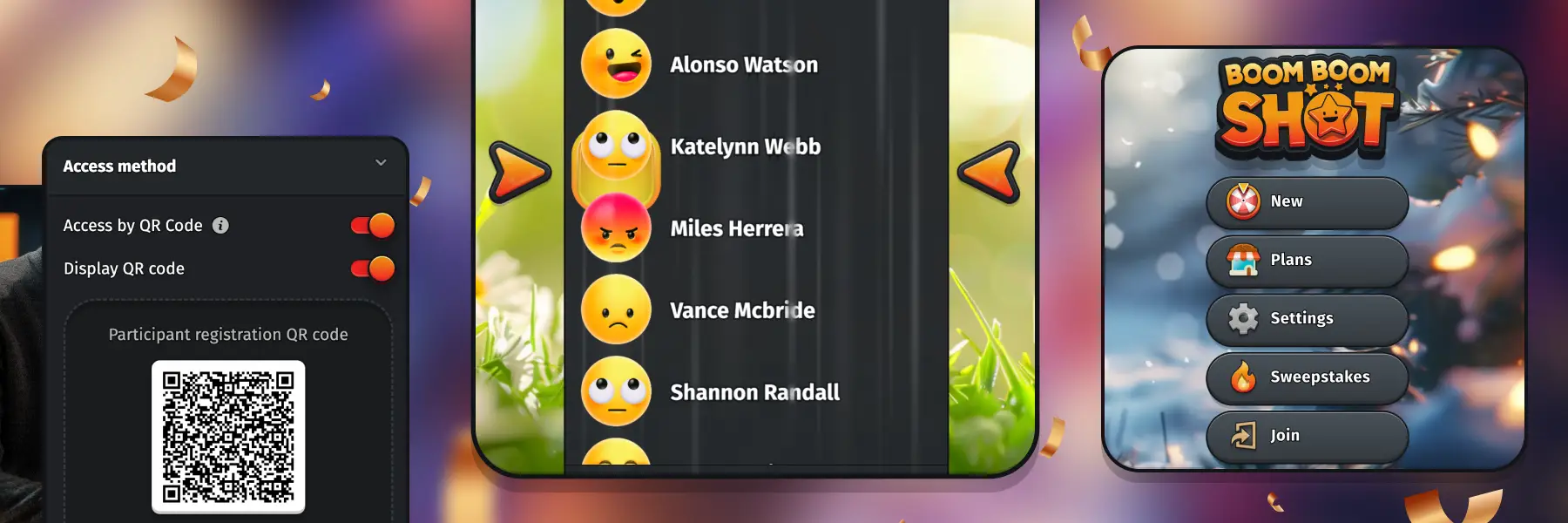
Guests can complete the registration form on their own device or on a shared tablet. Google and Facebook can prefill the form but are optional. Organisers can add rules that participants must accept and export draw results, including participants, winners and prizes; export availability depends on the plan.
AhaSlides’ prize wheel can select a name or prize in front of a live audience. Its documentation says attendees can join on their phones and have their names added to the wheel. The wheel can sit alongside quizzes and polls in a presentation, which makes it useful when a quick draw is one part of a wider session.
Boom Boom Shot is built around the giveaway itself. Display a QR code, invite colleagues or guests to register on their phones, then run an animated draw on a shared screen and participants’ devices. Organisers can prepare different rewards and specify how many of each are available. This can be useful when a draw is a planned part of an employee celebration or customer event.
Both approaches can suit a live audience. Choose based on whether the presentation and its interactions, or the registration and prize-draw experience, are the centre of your event. Check each product’s current plan limits and capabilities before deciding.
Where do Slido and Mentimeter fit?
Slido is useful when an all-hands meeting needs live questions, voting or a quiz. Its community response from March 2025 said a random spinner was not available then. We did not verify a newer native spinner, so check Slido’s current offering if that feature is essential. A quiz leaderboard rewards performance; it should not be described as a random raffle. See the Slido community discussion.
Mentimeter’s Menti Live supports polls, word clouds, quizzes and Q&A for meetings, workshops and town halls. Its quiz competition scores answers and displays a leaderboard. We did not find an official native prize-wheel feature in the materials reviewed; confirm current capabilities with Mentimeter if you need one.
Three ways to use a prize draw at work
- All-hands meeting: invite colleagues to register before the closing segment, then reveal winners on the shared screen.
- Employee celebration: prepare several rewards and their quantities, and spread the draws throughout the event.
- Conference or customer event: display a QR code at the entrance or stand and announce when the draw will take place.
You can also combine tools: use Slido or Mentimeter for audience questions and feedback, and run a separate giveaway with Boom Boom Shot. Allow time for switching screens and explain clearly how colleagues can take part.
How to choose for your event
- For a wheel inside an interactive presentation: explore AhaSlides’ spinner alongside its polls and quizzes.
- For a dedicated giveaway: explore Boom Boom Shot’s QR-code registration, live draw and reward quantities.
- For Q&A and feedback: compare Slido and Mentimeter’s audience-engagement features.
- For a knowledge competition: use a scored quiz when you want performance to determine the winner, rather than chance.
Frequently asked questions
Can AhaSlides run a live prize wheel?
Yes. AhaSlides describes a spinner that can pick names or prizes, with participant name autofill available for live sessions. Check the current plan and participant limits for your event.
Is a quiz winner the same as a random draw winner?
No. A scored quiz ranks participants by their answers and scoring rules, while a random draw selects from eligible entries by chance. Tell participants which approach applies and publish the relevant terms.
How can employees enter a Boom Boom Shot draw?
Display a QR code or share the participation code so employees can join from their phones. The draw can then be presented to the room on a shared screen.
Plan your next corporate giveaway
For an all-hands meeting, team celebration or customer event, discover Boom Boom Shot and prepare a giveaway with QR-code registration and a live draw. Explore the features and check the current plan limits before your event.
All product names belong to their respective owners. Review applicable giveaway rules, eligibility and data-handling requirements for your event.
Related Posts