Planning prize draws at corporate events? AhaSlides and Boom Boom Shot can both help create…
Wheel of Names vs Boom Boom Shot: A QR-Code Giveaway Alternative for Events
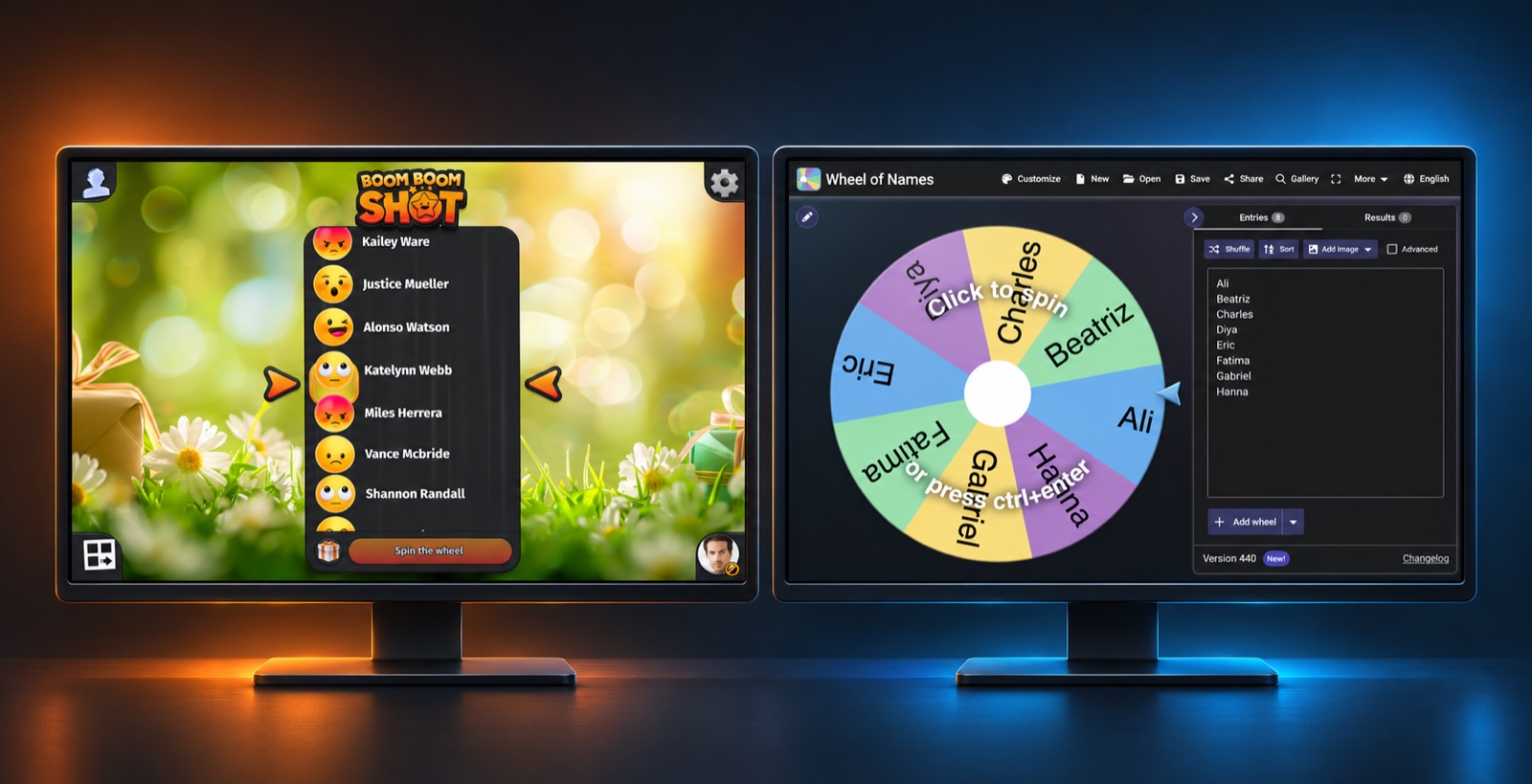
Looking for a Wheel of Names alternative for an event? Wheel of Names makes it easy to spin a list of names on a shared screen. Boom Boom Shot adds an event-focused workflow: guests scan a QR code to register, then follow a live draw on a shared screen and their own devices. Here’s how to decide which fits your event.
This comparison is published by Boom Boom Shot and based on public information reviewed on 9 November 2026. Features and prices can change; check each provider before choosing.
Wheel of Names vs Boom Boom Shot at a glance
| Feature | Wheel of Names | Boom Boom Shot |
|---|---|---|
| Best fit | Quick random selection from a list with a customisable spinning wheel | Live event giveaways with participant registration and rewards |
| Adding participants | Type or paste names, or import a Google Sheet; a linked Google Form can collect responses | Guests register themselves using a QR code or participation code |
| Live experience | Spin a wheel on a computer or compatible screen | Animated draw on a shared screen, synchronised with participants’ devices |
| Rewards | Names or prizes can be entered as wheel items | Create rewards and set a quantity for each |
| Cost | Free and supported by advertising; ads can be closed for the session | Free plan: up to 20 participants per draw, unlimited draws |
See the Wheel of Names FAQ and Boom Boom Shot features for current details.
When Wheel of Names is a good choice
If you already have a list and want a quick, free random selection, Wheel of Names is a practical choice. You can type or paste entries, customise the wheel’s colours, background and sounds, then spin it in front of a group. It also supports multiple wheels and weighted entries. A classroom, a team meeting or a simple prize draw can all benefit from this straightforward setup.
You can display the wheel on a large screen, and its FAQ says the website works on some TVs. Test your particular browser and display before the event. Wheel of Names is ad-supported; the site says ads can be closed for the session or hidden in fullscreen mode.
Do you have to type every name into Wheel of Names?
No. You can paste a list or import names from Google Sheets. Wheel of Names also documents a way to collect submissions with Google Forms, save responses to a linked spreadsheet and import that column into the wheel. New responses then appear automatically. This requires configuring the form and spreadsheet and signing in to import them. Its FAQ notes that removing a winner breaks the spreadsheet link, so later changes no longer update automatically.
That setup can work well if you already use Google Forms. For an event where you want registration and the giveaway in one workflow, Boom Boom Shot lets guests scan a QR code and register directly for the draw.
When to consider Boom Boom Shot as a Wheel of Names alternative
Guests can complete the registration form on their own device or on a shared tablet. Google and Facebook can prefill the form but are optional. Organisers can add rules that participants must accept and export draw results, including participants, winners and prizes; export availability depends on the plan.
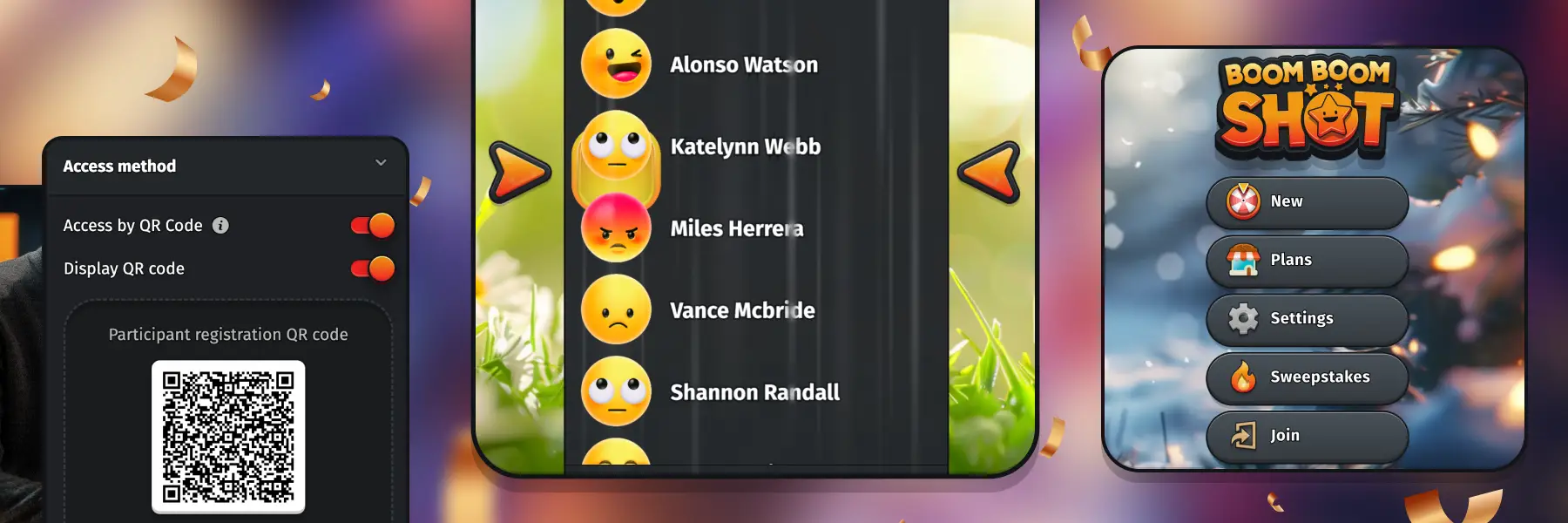
Boom Boom Shot is a QR-code giveaway tool for live events. Display the code at your event, let participants register on their phones, and run the draw for the room. The experience is synchronised across the shared screen and participants’ devices.
For example, a shop can invite customers to enter a promotion at the counter; a trade-show exhibitor can collect registrations at a stand; or a company can hold a draw during an all-hands celebration. Organisers can prepare different rewards and set the quantity of each, making repeated prize distribution easier.
Boom Boom Shot also offers customisable registration forms and CSV export; availability and limits depend on the plan. Compare the current plans with your participant count and the features you need.
Which tool should you choose?
- Choose Wheel of Names for a free, customisable spinning wheel when you have a list ready or are comfortable connecting a Google Form and Sheet.
- Choose Boom Boom Shot when self-service QR-code registration, a live event display and organised rewards are central to your giveaway.
- Test your setup in advance: check Wi-Fi, screen connections, participant limits and how you will contact winners.
Frequently asked questions
Is Wheel of Names free?
Yes. Wheel of Names describes its features as free and says it is supported by advertising. Boom Boom Shot’s free plan includes up to 20 participants per draw and unlimited draws.
Can guests register themselves for Wheel of Names?
They can submit a Google Form linked to a spreadsheet that the organiser imports into Wheel of Names. That is a separate setup. Boom Boom Shot provides QR-code entry as part of its giveaway workflow.
Can I show a prize draw on a TV?
Yes. Wheel of Names can be displayed from a compatible browser or connected computer; its FAQ notes that some TVs are supported. Boom Boom Shot is designed for live draws on a shared screen, with participants following on their devices. Test your equipment and connection first.
Make your next event giveaway easy to join
Planning a draw in a bar, shop, trade show or company event? Discover Boom Boom Shot and invite your guests to join with a QR code.
Wheel of Names is a third-party product. This comparison was prepared by Boom Boom Shot. Check the rules that apply to your promotion and explain eligibility, prize allocation and data handling to participants.
Related Posts